Webshot's API is free and the limits are generous — but a shared service only stays fast and free if everyone plays fair. This post explains exactly how our rate limiting works, what you'll see when you hit a limit, and the escalating actions we take when a client keeps hammering the API after being asked to slow down — up to and including a ban.
How rate limiting works
Every caller gets a token bucket. Each successful capture spends one token, and tokens refill steadily over time. While you have tokens, requests go straight through. When the bucket is empty, further requests are throttled until it refills — so a short burst is fine, but sustained high-volume traffic will run you dry.
- Anonymous & free-tier traffic is limited per IP address.
- Premium API keys bypass the per-IP limit in favour of a much higher monthly allowance. If you need more headroom, that's the right path — see /developers.
What a throttled request looks like
When you're out of tokens, the API responds with HTTP 429 Too Many Requests. Because our normal output is an image, a throttled request gets a tiny, pre-rendered "rate limit reached" graphic streamed straight from disk — no screenshot is taken and no heavy processing happens. That's deliberate: it means even a flood of throttled requests can't slow the service down for everyone else.
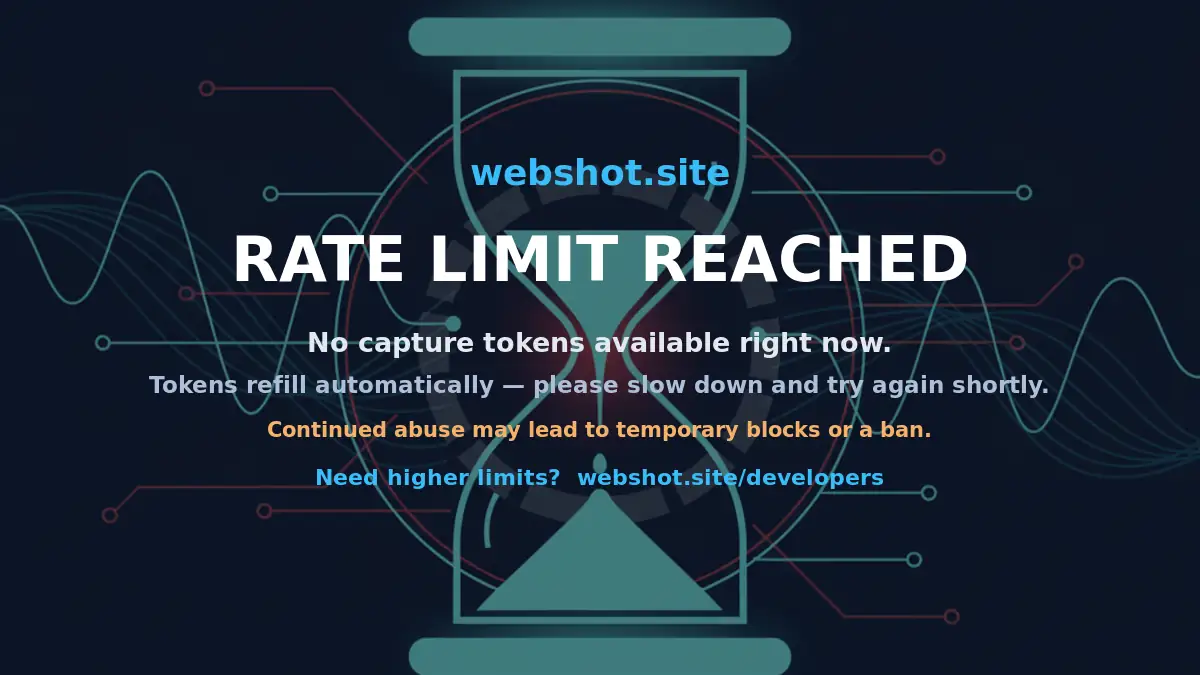
The important details are always in the response headers, so your code can react programmatically:
Retry-After— how many seconds until you can try again.X-RateLimit-Limit,X-RateLimit-Remaining,X-RateLimit-Reset— your current budget.
If you specifically send Accept: application/json, you'll get a JSON error body instead of the image. The right response to a 429 is simple: honour Retry-After and back off. Retrying immediately in a tight loop is the fastest way to escalate from "throttled" to "blocked."
Escalating actions for continuous abuse
A normal client that respects the limits will never see anything beyond an occasional 429. The following steps only apply to traffic that keeps pushing after being throttled:
- Standard rate limit. You're out of tokens; requests return 429 and tokens refill normally. This is routine — not a penalty.
- Extended cool-down. Continuing to hammer the endpoint while already throttled (ignoring
Retry-After, tight retry loops) lengthens the time before your bucket is usable again. - Temporary IP block. Sustained abuse — automated retry storms, scraping at volume, or attempts to dodge the limits by rotating requests — results in a temporary block of the offending IP or network.
- Permanent ban. Persistent or large-scale abuse, or deliberate attempts to circumvent rate limiting, results in a permanent ban from the service.
What we treat as abuse
- Ignoring
429/Retry-Afterand retrying in a tight loop. - Driving sustained high request rates well beyond the free tier instead of using a premium key.
- Spreading requests across many IPs, proxies, or keys specifically to evade rate limits.
- Automated bulk scraping that degrades the service for other users.
How to stay in good standing
- Back off on 429. Read
Retry-Afterand wait — ideally with exponential backoff. - Cache results. If you need the same screenshot repeatedly, store it rather than re-requesting it.
- Need more volume? Grab a premium API key for a higher allowance, or email sales@tuxxin.com — we're happy to help legitimate high-volume use.
None of this changes the deal for normal users: the API stays free, fast, and generous. These measures exist purely to keep it that way for everyone.